
Contents
Perspective View Window
The Perspective View window shows the view in front of the camera using standard perspective geometry.
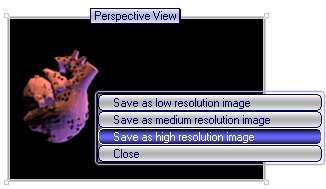
Clicking the left mouse button over any polygon in this window will select the polygon and holding Shift allows you to select multiple polygons in this way.
Clicking the right mouse button over the window will bring up a popup menu where you can choose to render the view as a JPG file.

Orthographic View Window
Moving the Camera
Increasing Available Memory