 | |||||
 |
 |
 |
 |
 |
 |





Models Created Using 3D Matrix
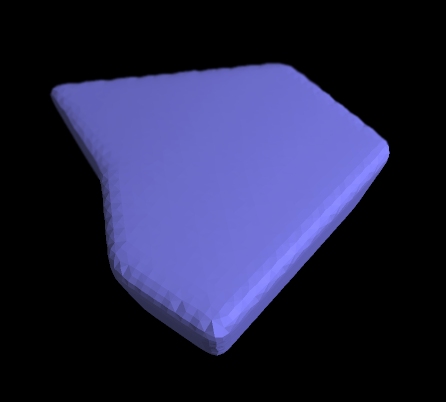
Above: Block. Demonstrates all features combined within the Toolbox window (short-cut 'b'). Start by creating any simple 2D surface using only a few polygons (short-cut 'a') and convert the surface to a 3D block using the Toolbox-window (short-cut 'b'). The curved sides were then produced by filling the block with many polygons by applying 4000 iterations of Bisect Polygon to the whole object followed by 10 iterations of Surface Relaxation to relax the edges.
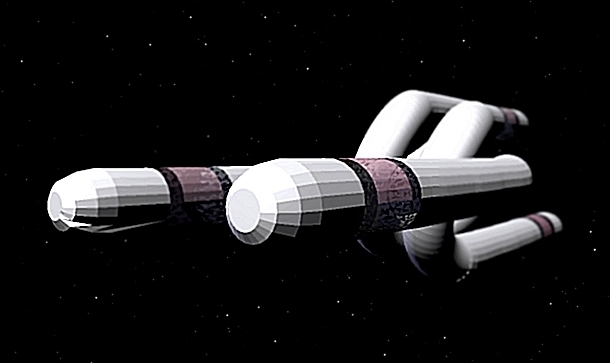
Above: Spiral craft. The central section was made up of a spring (Geometry window, short-cut 'g') using only one spiral and adding cylinders to the two ends of the spring. A object was then doubled up on itself by creating a mirrored representation (Object window, short-cut 'o') and rotating that representation 180 degrees. The result is that the space craft is actually made up of two identical halves that twist through each other but do not touch each other.
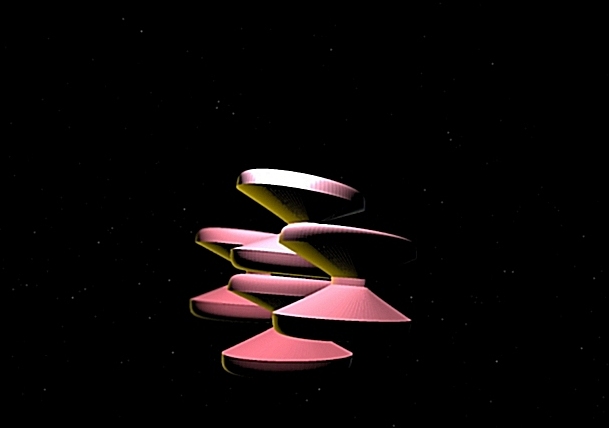
Above: Space Station. Uploaded by Galina Malashenkova. Began with a superellipsoid using the Geometry window and then seleted a row of polygons in the center and squeezed them together using the Scale button within the Transformation Window.
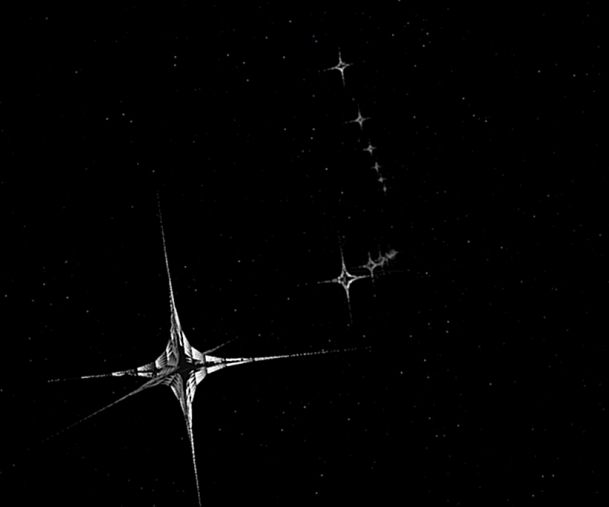
Above: Futuristic Space Stations. They are nothing other than superellipsoids created using the Geometry window.
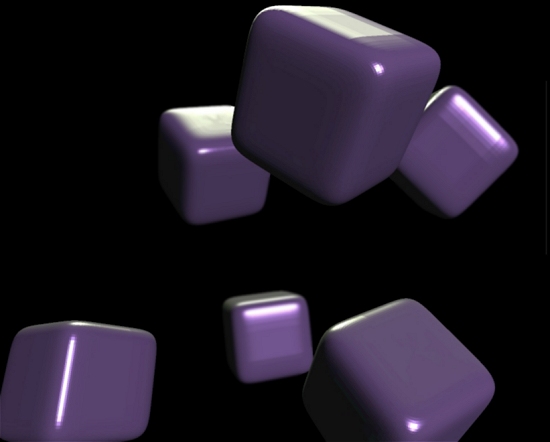
Above: Purple Cubes. Superellipsoids created using the Geometry window.